 iPhone/iPad Unlocker

Unlock iPhone, iPad, Apple ID without Passcode
iPhone Unlocker is a lightweight yet powerful tool designed to help you bypass various locks on iPhone, iPad, and iPod effortlessly. Whether you forgot your screen passcode, Apple ID password, or need to remove MDM restrictions, this professional software offers a secure and efficient solution with high success rates—no technical skills required.
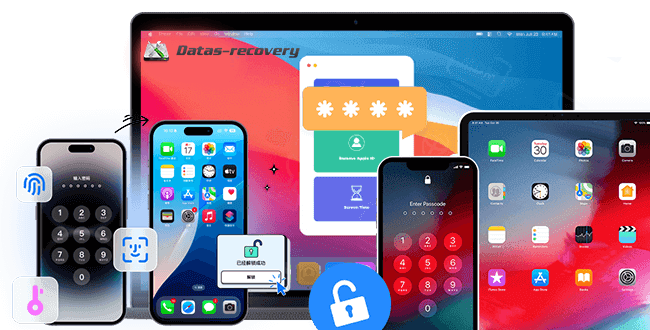
Unlock iPhone/iPad from All Common Lock Scenarios
Forgot PIN, pattern, or password to your Android device, or stuck at Google account Verification (FRP) screen after the factory reset? Android Unlocker helps unlock Android screen and bypass FRP lock with ease.
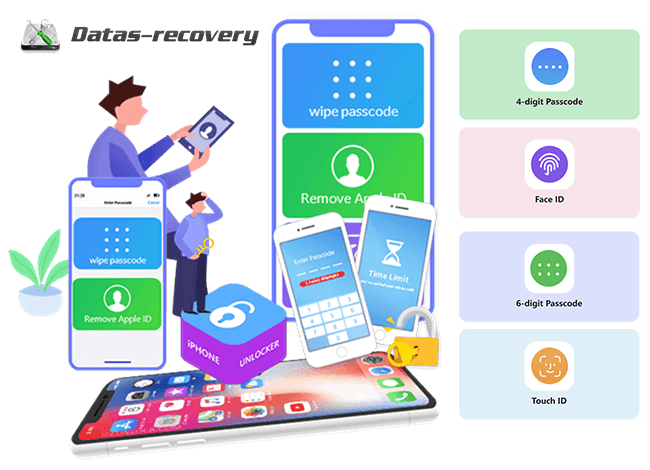
Supported Devices & Systems
iPhone Unlocker is a reputable screen lock removal suite available for both iPhone and iPad models. It does a pretty amazing job in unlocking iPhone and iPad Lock Screen. This iOS Unlocker supported all iPhone, iPad and iPod devices:
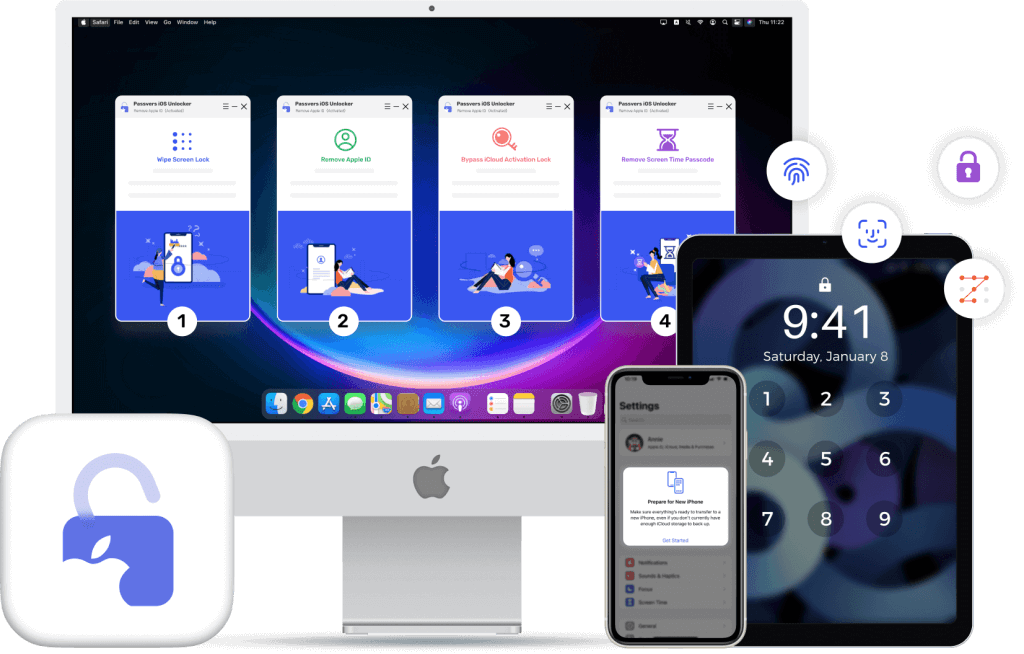
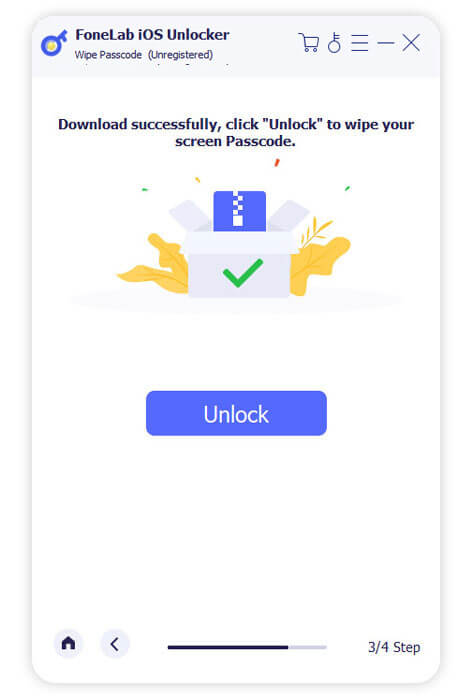
Unlock iPhone Locked Screen In 3 Steps
iPhone Screen Passcode Unlock: Ideal for forgotten passcodes, disabled devices after wrong attempts, broken screens, or non-working Touch ID/Face ID. 3 simple steps to remove iPhone passcode to unlock without technical hurdles.
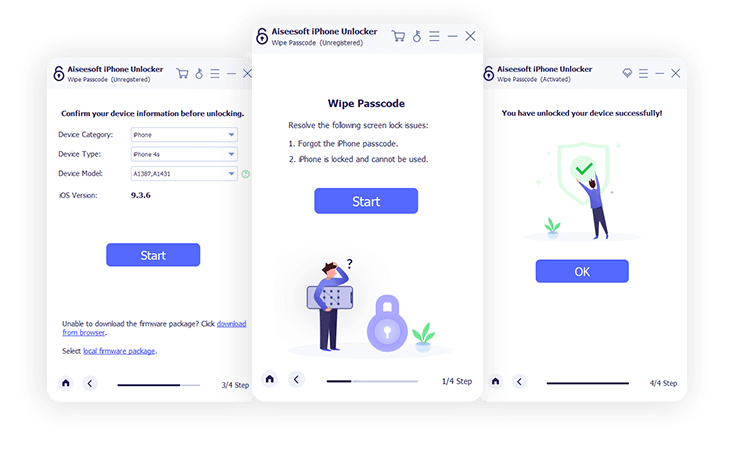
Remove Apple ID without Password
Perfect if you forgot your Apple ID password or inherited a second-hand device with a linked Apple ID. Grants full access to Apple services and iCloud settings.
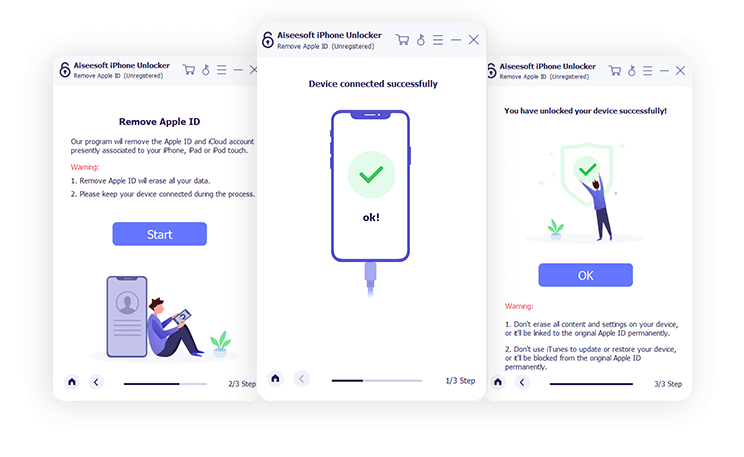
Remove Screen Time on iPhone/iPad
While you are bothered by the message pop-up that, you have reached your limit on XX on your iPhone, you should enter the Screen Time passcode to change the settings. However, it will be the embarrassing once you forgot the restriction passcode. This iPhone Unlocker can help you recover the passcode and remove the passcode without data loss on iPhone and iPad.
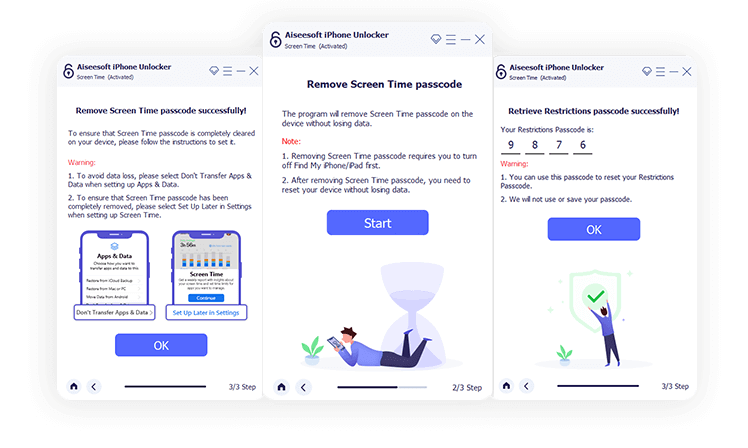
Step 1. Launch iPhone Unlocker & Select Mode
Launch iPhone Unlocker on computer, and choose the appropriate unlock mode (e.g., "Unlock Screen Passcode" or "Remove Apple ID").
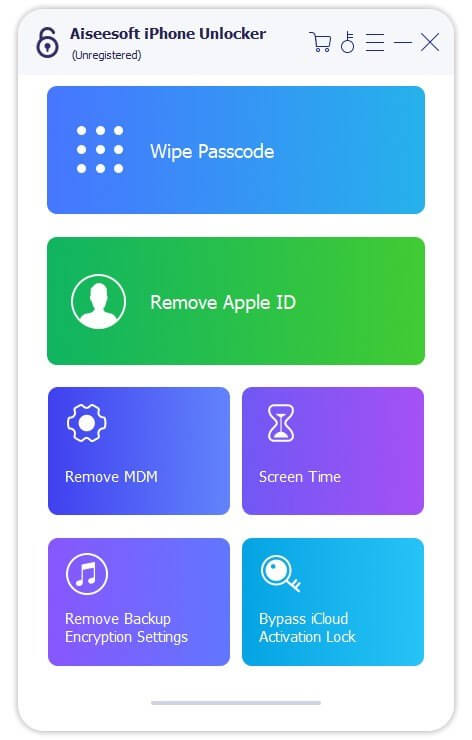
Step 2. Connect Device & Confirm Info
Connect your iPhone/iPad/iPod to the computer via a USB cable. Tap "Trust" on your device if prompted. The software will automatically detect your device—confirm the model and iOS version.
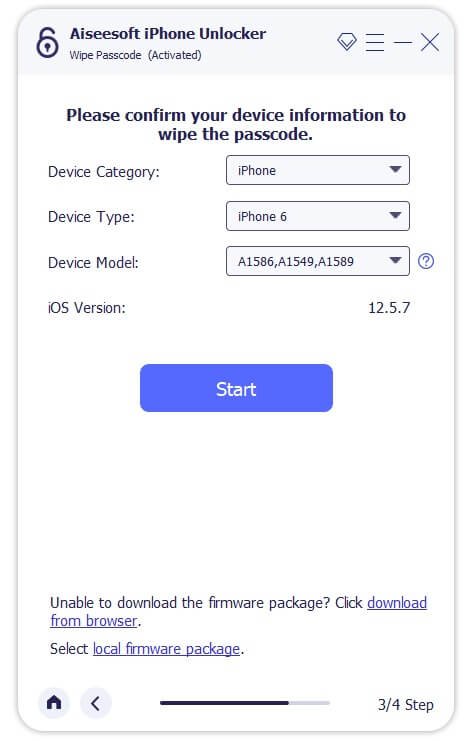
Step 3. Start Unlocking iPhone
Click "Start Removal" to begin the process. Wait for the software to complete the unlock (time varies by mode). Once finished, your device will be accessible without the previous restrictions.
1. Does this tool support all iOS versions, including iOS 26?
Yes, iPhone Unlocker is fully compatible with iOS 26, 18, 17, and all earlier versions, as well as all iPhone/iPad/iPod models.
2. Will unlocking erase my data?
Screen Time and MDM removal: No data loss.
Screen Passcode and Apple ID removal: Data will be erased (this is a necessary security measure for iOS).
Backup Encryption Clear: No data loss—only removes the encryption setting.
3. Can I transfer my license to another computer?
Absolutely. Full license holders can transfer the license to another computer for free. Contact our support team with your order details and purchase email to reactivate the license.
4. Do I need to jailbreak my device to use this tool?
No jailbreak required! All unlock modes work without modifying your device’s system, ensuring security and stability.
5. What if my device isn’t detected by the software?
Ensure you’re using an original USB cable, tap "Trust" on your device, and update the software to the latest version. If issues persist, contact our 24/7 support team for assistance. Free trial allows you to scan and preview the unlock process—purchase a full license to complete the unlock and access all features.
Download. Share. Enjoy Your Video Freely

Secure
All data exchange during the payment process is SSL-secured.

Support
24*7 email support to ensure the shopping and using of our product.

Money-Back
Get the free trial before your purchase. We offer 30-day money back guarantee.

Update
We offer lifetime updates & services for all DatasRecovery customers.
Copyright © 2025 DatasRecovery All rights reserved.
 iPhone Data Recovery
  Android Data Recovery
  Broken Android Data Extraction
  Android Unlocker
  Data Recovery (Windows/Mac)