 iOS Data Recovery

Recover Lost Data for iPhone, iPad, iPod
Recover lost or deleted data from all iPhone, iPad, or iPod devices. Restore various types of files, such as pictures, videos, music, notes, text messages, call logs, and other important content. Whether you need to recover files you accidentally deleted or retrieve data from a broken device, this program offers a quick and dependable solution for all iOS devices. User-friendly interface with 100% guaranteed protection for your data.
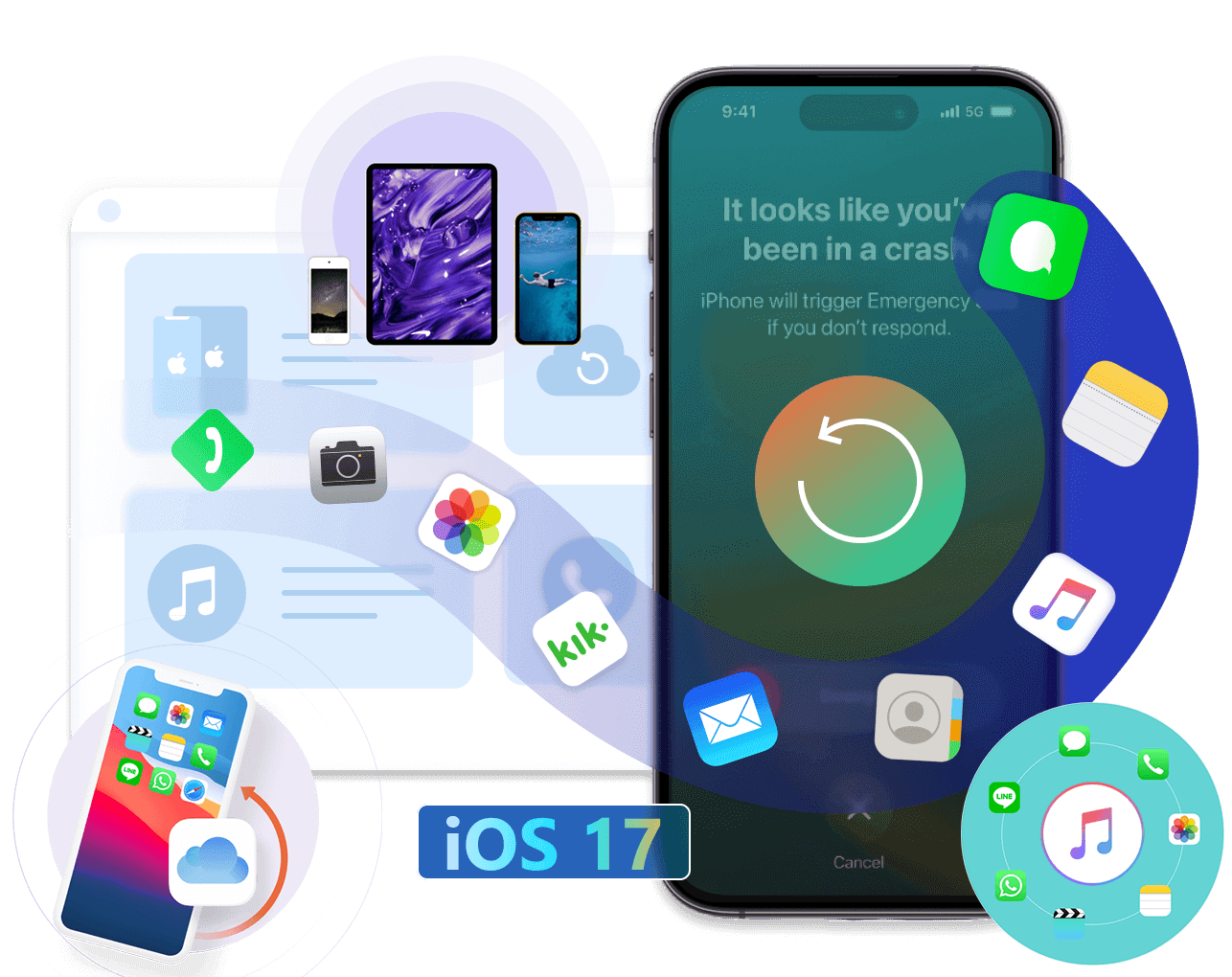
Recover Lost and Deleted Data from iPhone/iPad/iPod
iOS Data Recovery can help you easily recover deleted or lost SMS, contacts, photos, WhatsApp, etc directly from iPhone/iPad/iPod or restore data from iCloud or iTunes backup.
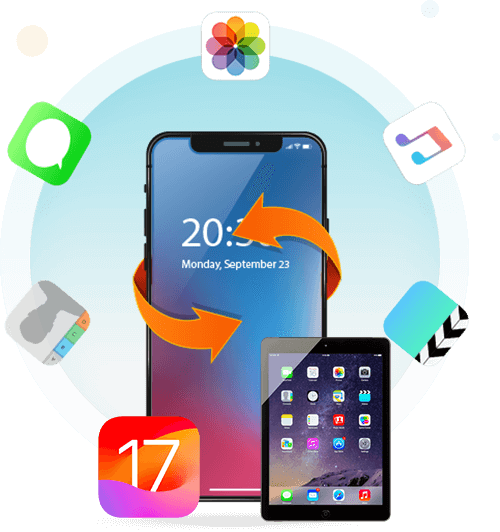
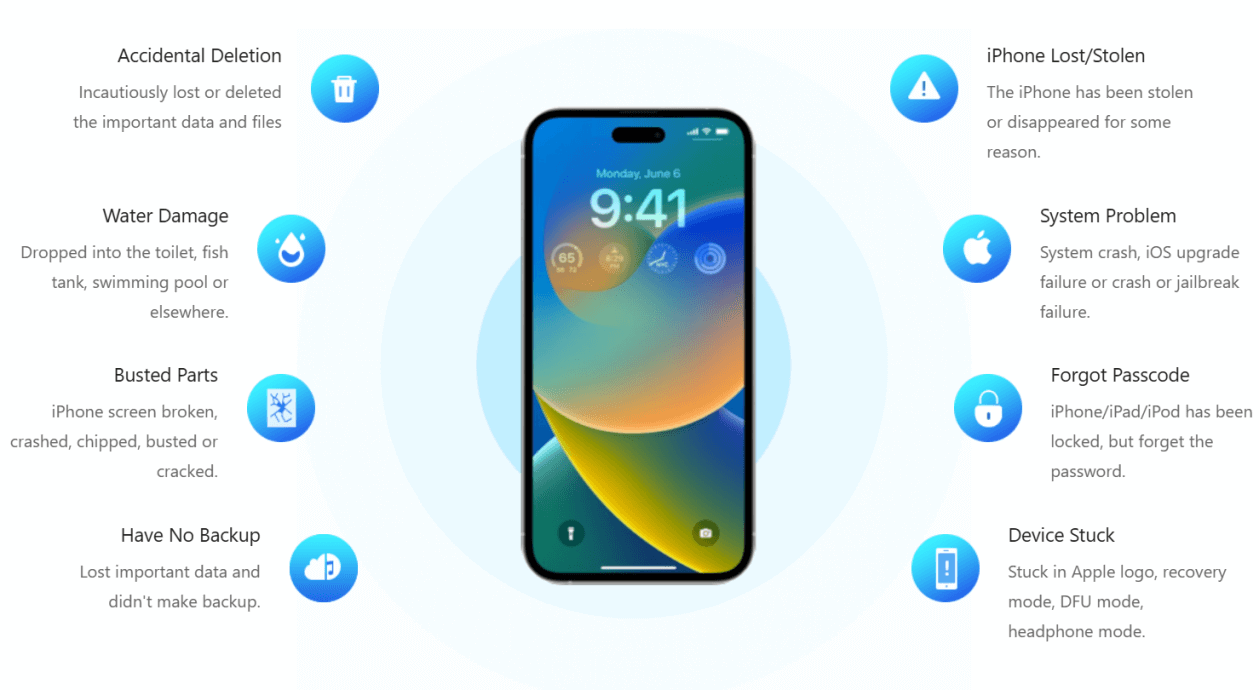
Recover iPhone Lost Data in any Situation
This iOS data recovery offers 3 recovery modes for you to recover iPhone lost data in any situation. No matter data lost due to system upgrade failures, accidental deletions, factory resets, device damage, or theft. This iPhone data recovery makes data recovery simple and reliable, you can scan and recover lost data from your device or iTunes/iCloud backup files.
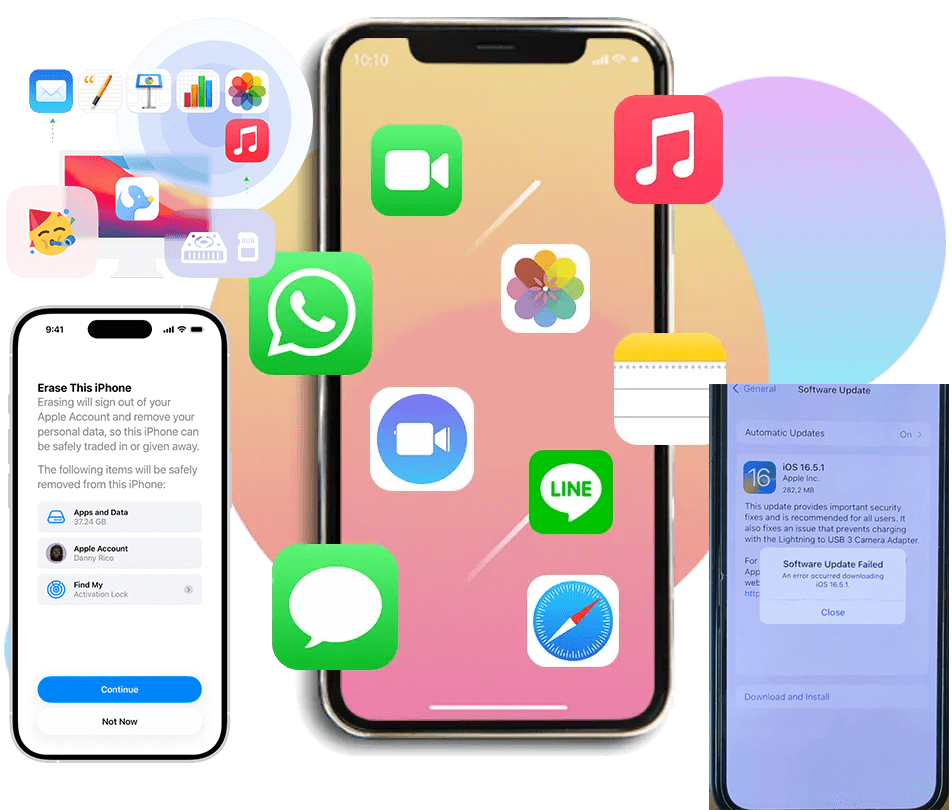
Retrieve All Kinds of Data from All iOS Device
FoneLab for iOS is trusted iOS data recovery software that supports to recover 20+ data types from iOS devices, it offers free scan and preview data, with a 98% success rate for restoring your iPhone deleted or lost data.
3 iOS Data Recovery Modes to Recover Lost/Deleted iOS Data
You can recover iPhone data by using built-in Apple features like the "Recently Deleted" folder in the Files app for recent deletions, or by restoring from an iCloud or iTunes backup. For data not in a backup or deleted a long time ago, you need to use a third-party iPhone data recovery software to recover lost and deleted data from iPhone device directly, though success varies due to encryption.
This iOS data recovery offers 3 recovery modes options. Choose Recover from iOS Devices, Recover from iTunes or iCloud. Let it to run a deep scan for free, free preview the results in detail, and quickly to recover lost or deleted iOS data within a couple of clicks.
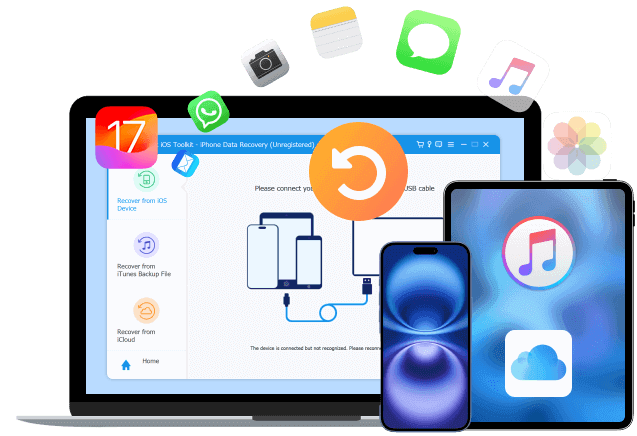
Recover Lost/Deleted Data from iOS Device
iPhone Data Recovery can help you free scan deleted files or backup files directly from iPhone/iPad/iPod, and then you can easily preview all scanned iOS data for free before recovery, then you can save Text Messages, iMessage, WhatsApp, Contacts, Photos, Notes, Call History, etc. to computer with ease.
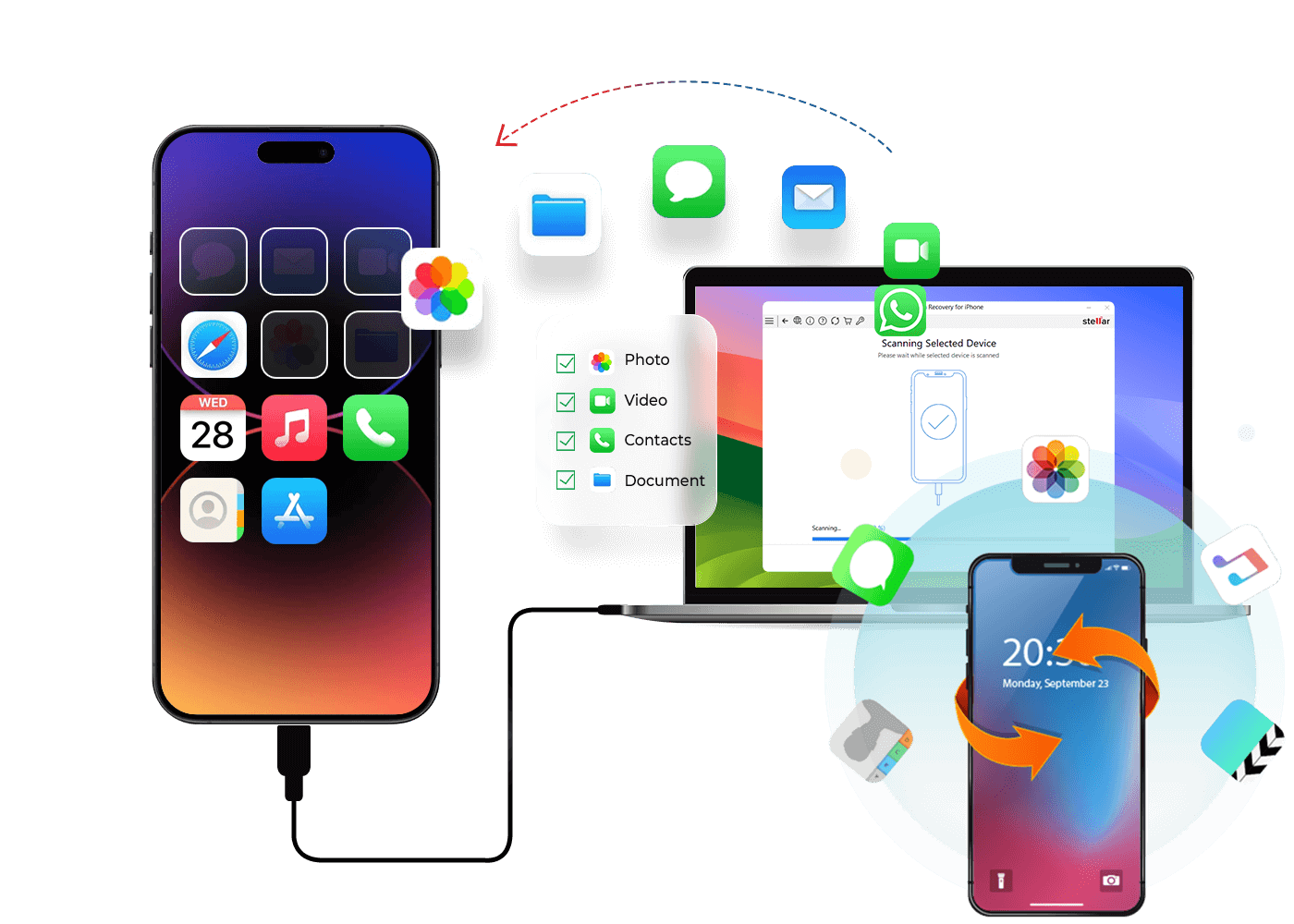
Restore Lost/Deleted Data from iTunes Backup
If you have backed up iOS data with iTunes before, you can recover lost data from iTunes backup file without your device. No matter your device was lost, broken, crashed, or wiped due to upgrading or jail-breaking, you can easily to restore lost data from iTunes backup and export them to Windows or Mac computers with ease.
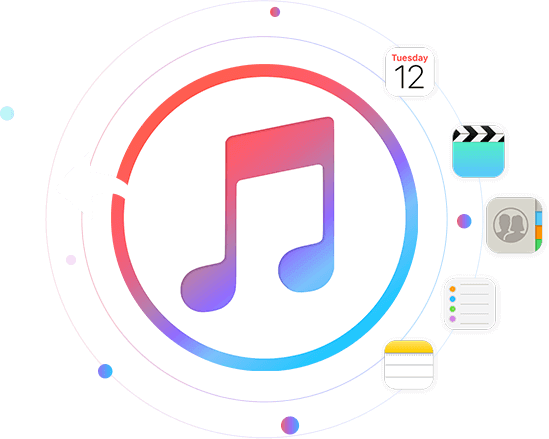
Restore Lost/Deleted Data from iCloud Backup
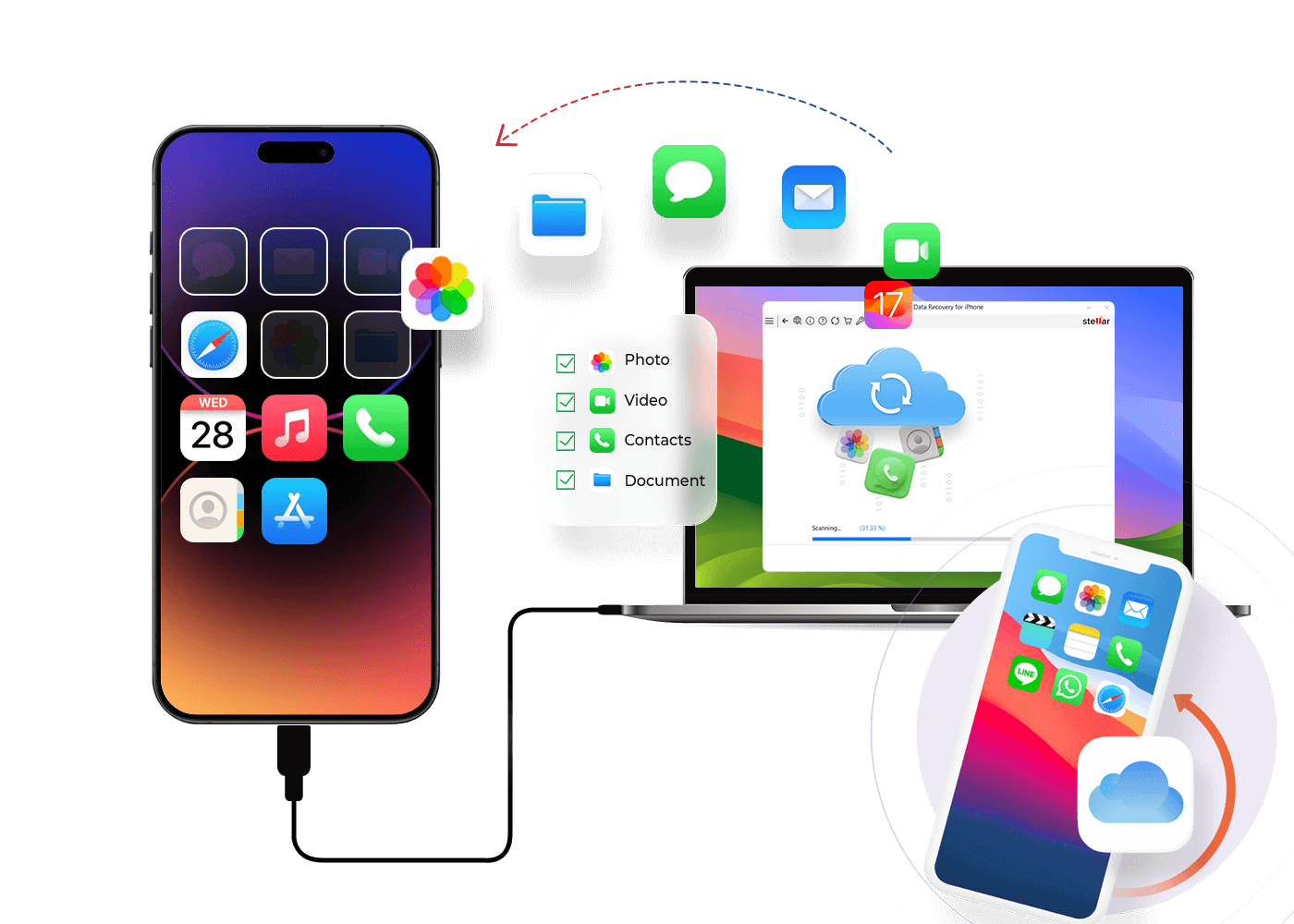
You can use this feature to recover iPhone/iPad/iPod lost or deleted data from iCloud backup file without your device if you have backed up iOS data with iCloud before. If the iCloud's two-step verification has been disabled, you can login your Apple ID in the software, it will helps you free scan all iCloud backups, then you can recover photos, text messages, iMessage, videos, contacts, notes, calendar, reminder, voicemail, voice memo, WhatsApp messages and more from iCloud backup files selectively.
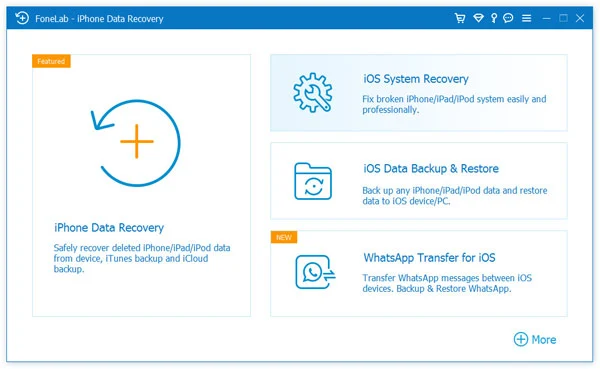
Step 1. Run iPhone Data Recovery on Computer
Launch the iPhone Data Recovery on Windows or Mac computer and select “iPhone Data Recovery” feature.
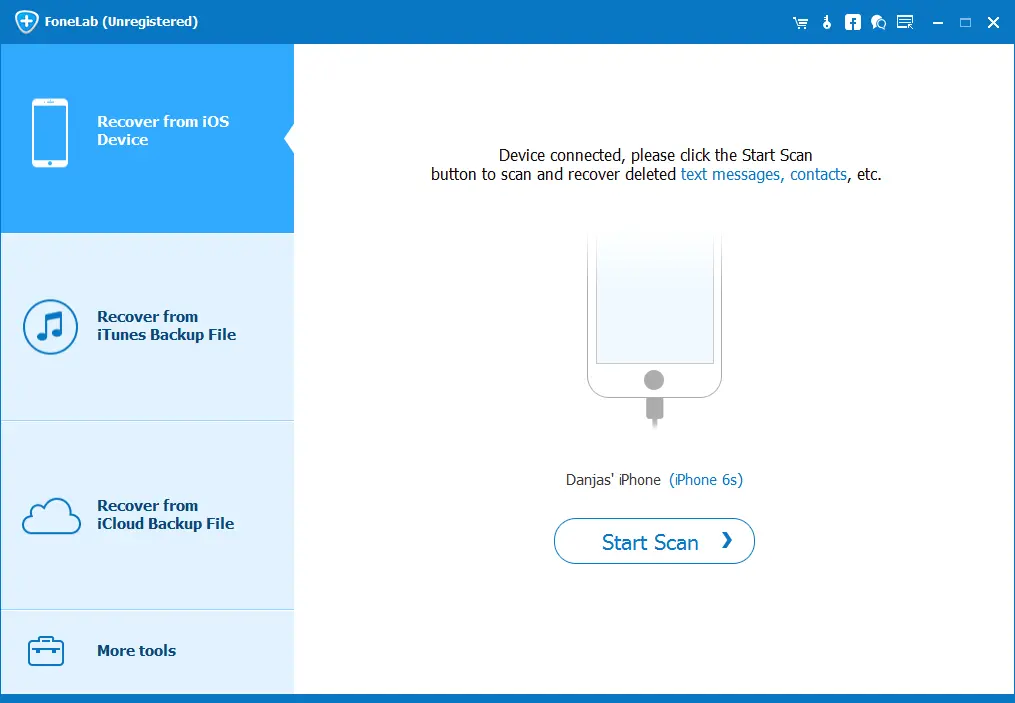
Step 2. Connect iPhone to Computer
Select “Recover from iOS Device” feature, and connect your iPhone to the computer with a USB cable.
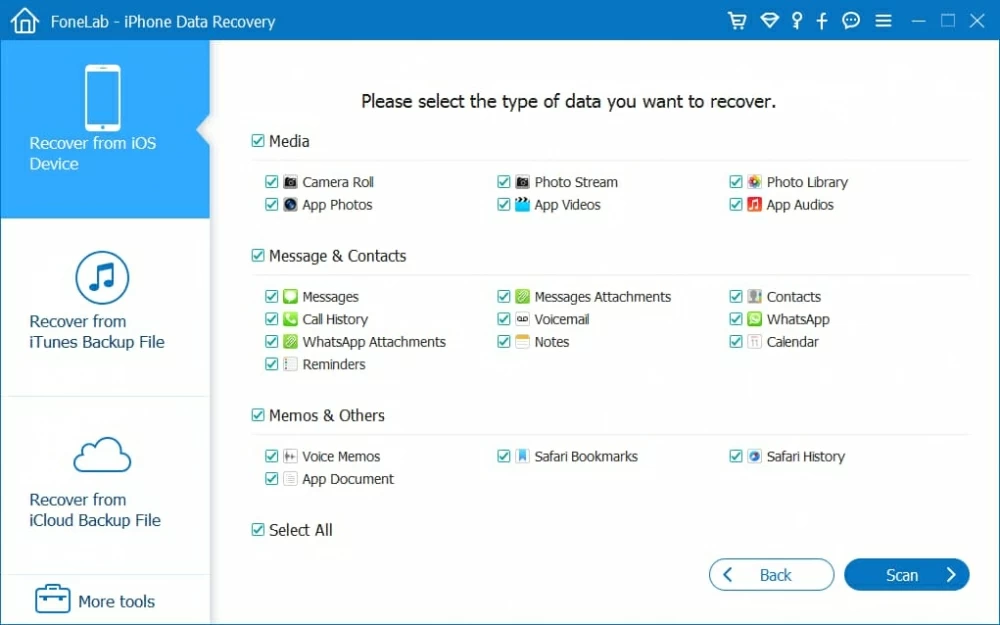
Step 3. Select the Data Types to Scan
To save time for scan, please select the file types you want to recover. Of course, you can select all data and perform a deep scan of your device.
Step 4. Scan Lost/Deleted Data from iPhone
Click “Start Scan” button start to scan lost data from iPhone. When data can't show you can click “deep scan”.
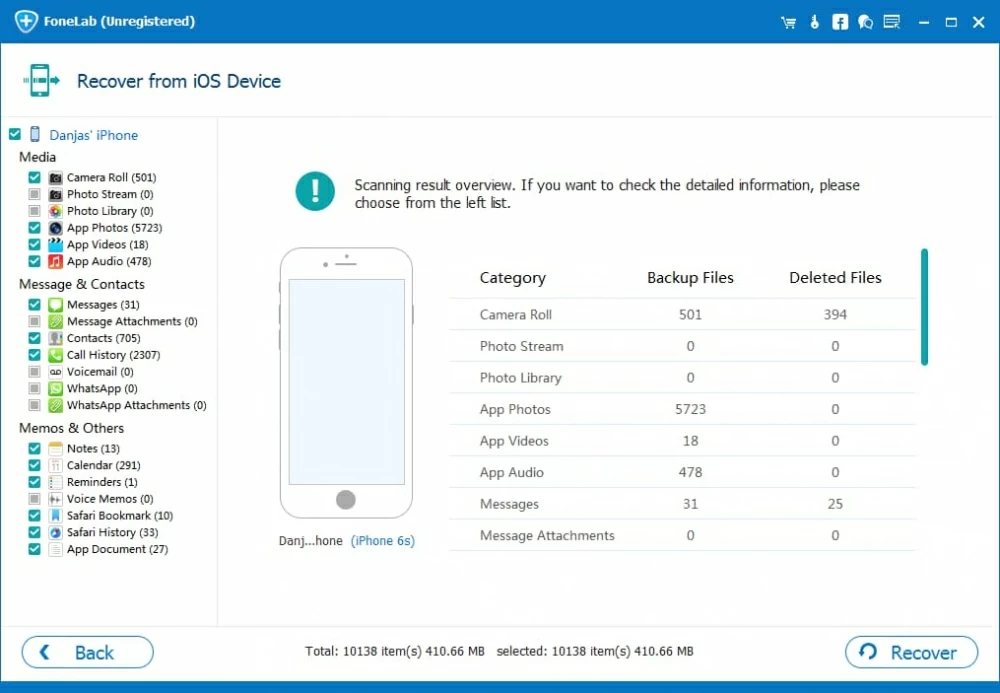
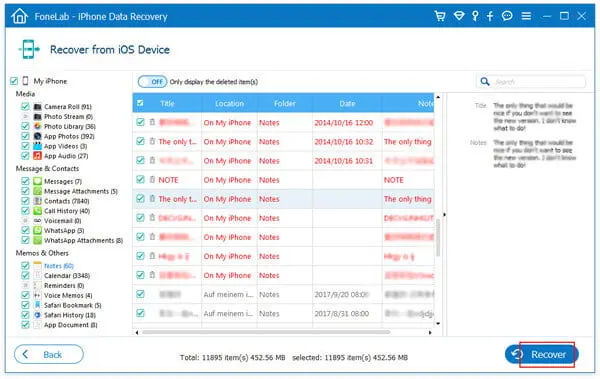
Step 5. Preview and Recover iPhone Data
Preview and select the lost data you want to recover, then click "Recover" to save the selected data to your computer.
1. What Type of Data Can I Recover from iPhone & iPad?
This iOS Data Recovery is a powerful iPhone/iPad/iPod data recovery that can scan your drive on a sector-by-sector basis to detect and restore any of your contacts, messages, photos, videos, notes, WhatsApp messages, Instagram photos, reminder, app data, documents, and other types of data that are not overwrote permanently. Even new beginner can use it to quickly and easily get it to work for a deep scan and recover what you want from the scan results.
2. Is this iOS Data Recovery is Free?
This is a professional iOS Data Recovery solution for you to Free scan. Free preview. But, you need to pay for a full version to recover deleted or lost data from iOS Devices directly. It’s free for you to recover data from iTunes/iCloud backup.
3. How to do Data Recovery on iPhone/iPad?
Connect your iPhone, scan data from iPhone, iTunes backup, or iCloud backup, preview recoverable files, and save selected data to your computer. FoneLab iOS Data Recovery offers the highest success rate (90-98%), works with all iOS versions, requires no technical skills. What’s more, you can select data to preview before start recovering them. This method works even when iTunes fails and doesn't require jailbreaking your iPhone/iPad.
4. Can I Recover Lost Data after Factory Reset My iPhone Without Making Backed up Before?
Sure!With this iOS Data Recovery, you can recover your lost photos, contacts, SMS, notes, etc. from your iPhone which was essentially erased by resetting to factory settings. You could connect your iPhone to the computer and use this iOS Data Recovery scan the iPhone storage memory. This software will helps you scan your lost data, you're able to view them in the scan result list and save them onto your computer..
5. Can I Recover iPhone Data that Have been Deleted for Long Time?
It depends on whether the data have been overwritten or not. If they are still on your device rather than have been replaced by new data, then you can use this iOS Data Recovery to scan and recover data from iPhone device directly.
If you have backed up your iPhone data to iTunes or iCloud before, you can recover deleted/lost iPhone data from iTunes or iCloud backup file with ease.
Download. Share. Enjoy Your Video Freely

Secure
All data exchange during the payment process is SSL-secured.

Support
24*7 email support to ensure the shopping and using of our product.

Money-Back
Get the free trial before your purchase. We offer 30-day money back guarantee.

Update
We offer lifetime updates & services for all DatasRecovery customers.
Copyright © 2025 DatasRecovery All rights reserved.
 iPhone Unlocker
  Android Data Recovery
  Broken Android Data Extraction
  Android Unlocker
  Data Recovery (Windows/Mac)