 Data Recovery

Recover Data from Computer, HDD, Flash drive and More
Use the best data recovery software to scan and recover deleted files, photos, videos, emails, etc. on Windows 11/10/8/7, Mac computer, SD card, USB, etc. without backup. Up to 99.8% Success Rate, 100% Secure, 3-Mins average scan. Only 3 simple steps to recover your lost or deleted data on computer.
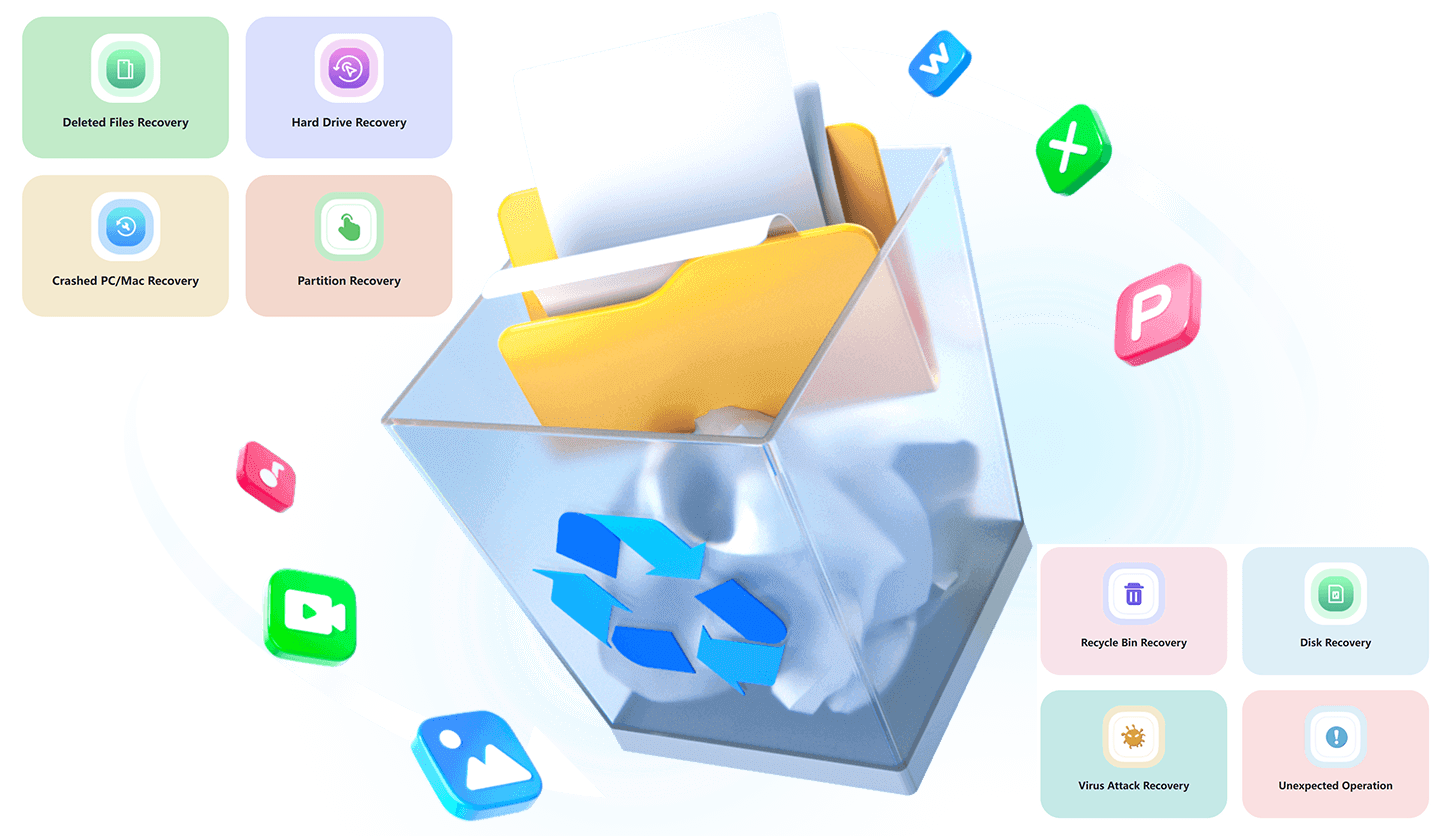
Recover Lost Data from Any Scenario
Data loss can strike anytime—whether it’s accidental deletion, system crashes, hard drive damage, or unexpected errors. Our Data Recovery tool is designed to retrieve your valuable files in every possible situation, making data recovery stress-free and reliable.
Recover Data from 2000+ Storage Devices
No matter where your data is stored or what file type you need to recover, our tool has you covered with comprehensive compatibility. This powerful data recovery software can recover from any device:

Recover All File Types
Directly scan and recover deleted photos, videos, documents, emails, and 1000+ other file types effortlessly to your PC/laptop/Mac, USB drive, and other Hard Drive.
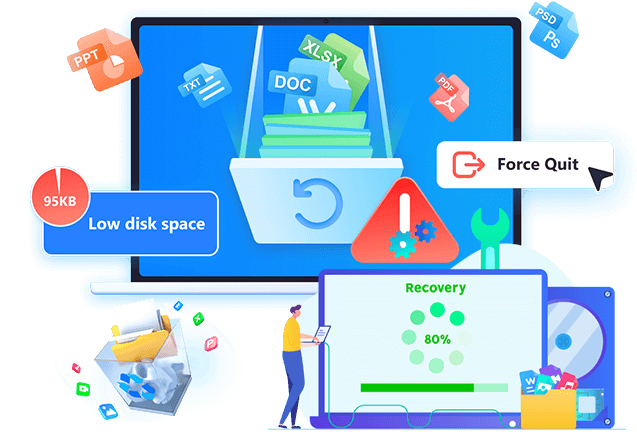
Powerful Features for Effortless Recovery
Our Data Recovery tool combines advanced technology with user-friendly design to deliver top-tier performance.

Windows and Mac Operating Systems Supported
This Data Recovery can restore deleted/lost photos, document, etc., from computer, hard drive (SSD, HDD, etc.), SD card, digital cameras, pen drives and other external storage devices. It can recover files that accidental deletion, hard drive issues, RAW hard drives, or a crashed computer, this data recovery software works well on all Windows OS and Mac OS:

Step 1. Launch Data Recovery
Download, install, and run Data Recovery on your Windows or Mac computer.
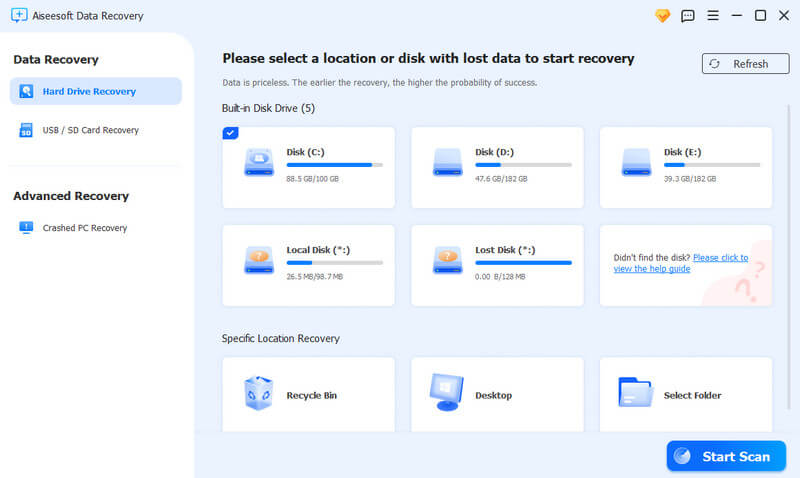
Step 2. Select Device & Scan
Choose the storage device or specific location (e.g., hard drive, USB, SD card) where your data was lost. Click "Start Scan" to initiate quick scan; switch to "Deep Scan" for hidden/deeply lost files.
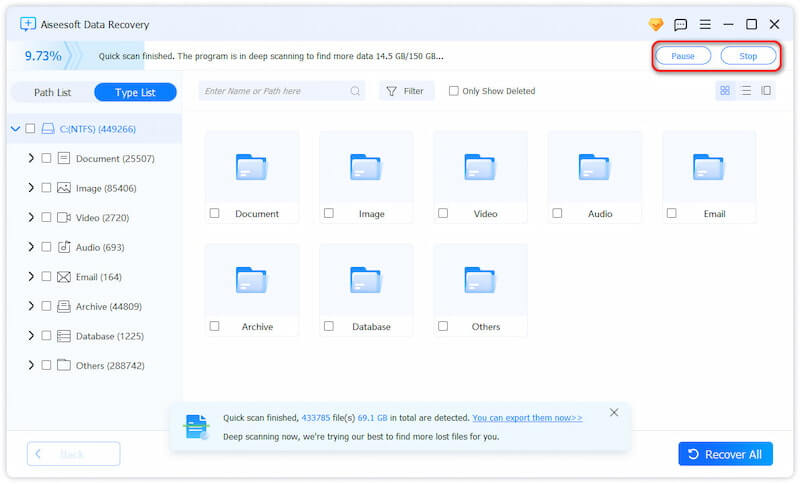
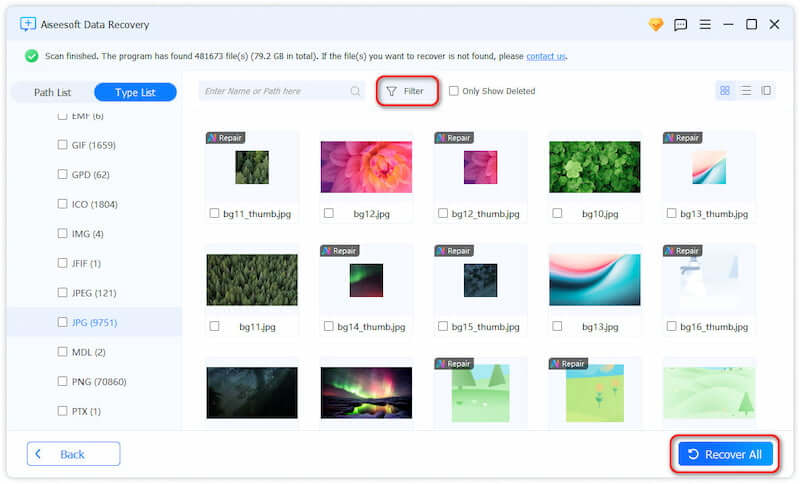
Step 3. Preview & Recover
Preview the scanned files to confirm your desired data. Select the files you want to retrieve and click "Recover" to save them to a safe location.
1. What file types can I recover?
Our tool supports 2000+ file types, including images, videos, audio, documents, emails, eBooks, archives, and program files.
2. Is this Data Recovery free to use?
It offers free scan and preview of all recoverable files. You need to purchase a license for full data recovery; however, recovering data from backups is free.
3. Can I recover data from a crashed computer?
Yes! Use the "Crashed PC Recovery" feature to create a bootable USB drive, then boot the crashed computer from the USB and recover your data.
4. How long does the scan take?
The average scan time is 3 minutes for quick scan. Deep scan may take longer depending on the device size and data amount, but it ensures maximum recovery rate.
5. Can I recover files deleted a long time ago?
It depends on whether the data was overwritten. If the space hasn’t been occupied by new files, "Deep Scan" can retrieve long-deleted data. Backed-up files (from cloud or local) can be recovered effortlessly.
Download. Share. Enjoy Your Video Freely

Secure
All data exchange during the payment process is SSL-secured.

Support
24*7 email support to ensure the shopping and using of our product.

Money-Back
Get the free trial before your purchase. We offer 30-day money back guarantee.

Update
We offer lifetime updates & services for all DatasRecovery customers.
Copyright © 2025 DatasRecovery All rights reserved.
 iPhone Data Recovery
  iPhone Unlocker
  Android Data Recovery
  Broken Android Data Extraction
  Android Unlocker