 Android Unlocker

Unlock Android Locked Screen in Seconds
Android Unlocker is a lightweight yet powerful tool designed to help you effortlessly remove any Android screen lock and bypass FRP (Google Account Verification) with just a few clicks. Whether you forgot your password, bought a second-hand locked device, or faced a broken screen, this professional software provides a quick and reliable solution for all Android users.
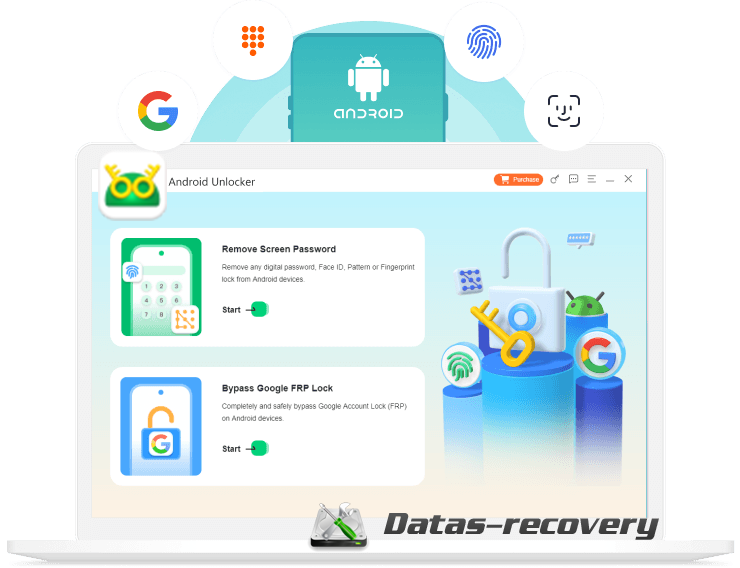
Unlock Android Phone without Password
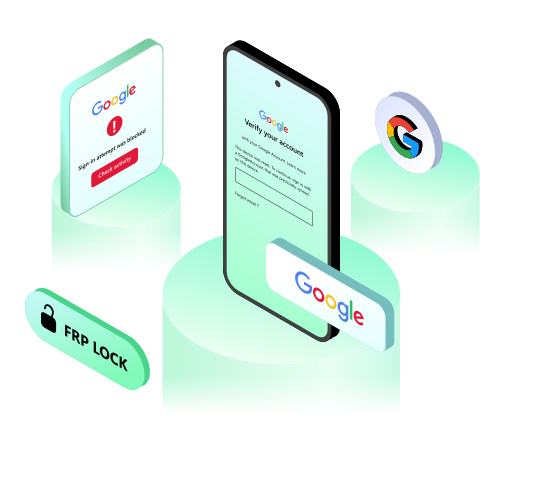
Forgot PIN, pattern, or password to your Android device, or stuck at Google account Verification (FRP) screen after the factory reset? Android Unlocker helps unlock Android screen and bypass FRP lock with ease.
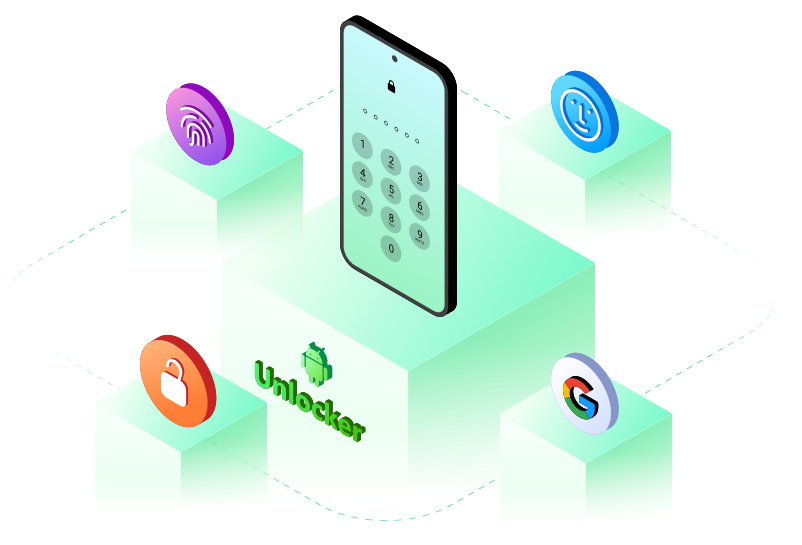
Unlock Android in Any Scenario
Whether you’re locked out due to accidental mistakes or device issues, Android Unlocker has you covered:
Unlock Most Popular Android Phone
This Android Unlocker compatible with all Android OS versions from 6.0 to the latest Android 16. Constantly updated to support future system upgrades.

Ease-to-Used
Super-Fast Unlock Speed: Leverages advanced technology to unlock devices in minutes. FRP bypass and screen lock removal are 10x faster than traditional methods.
User-Friendly Interface: Intuitive design with step-by-step guidance. No technical expertise required—perfect for beginners and advanced users alike.
Step 1. Launch Android Unlocker on PC
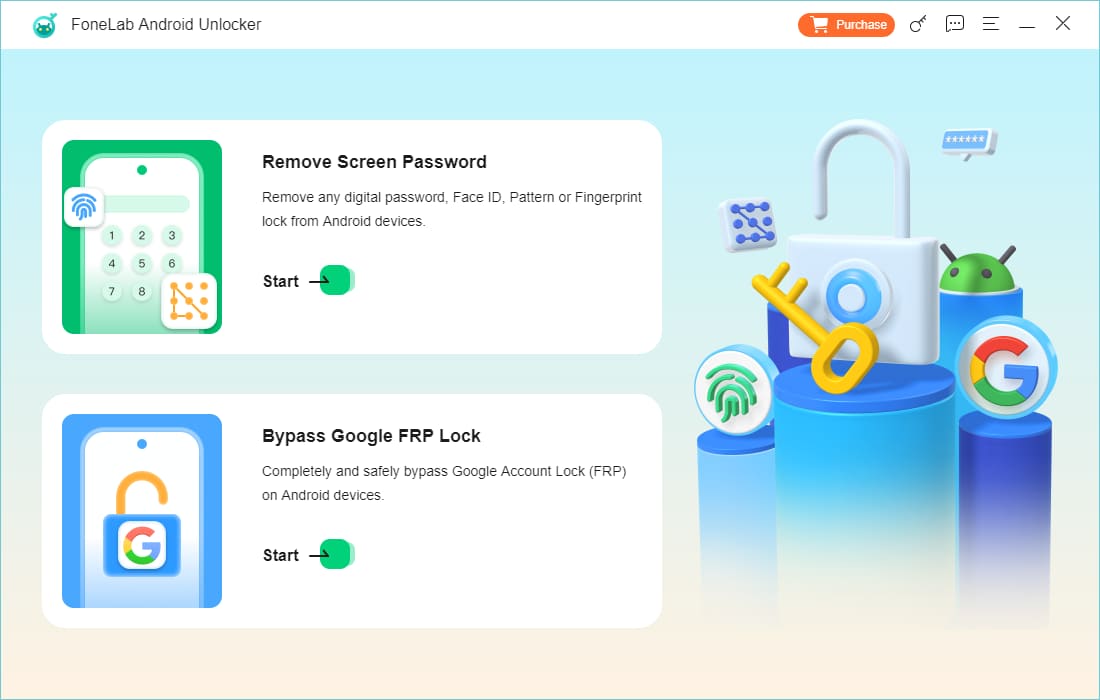
Download and install Android Unlocker on your Windows (11/10/8/7) computer. Launch the program and select "Remove Screen Password".
Step 2. Select Your Phone’s Brand
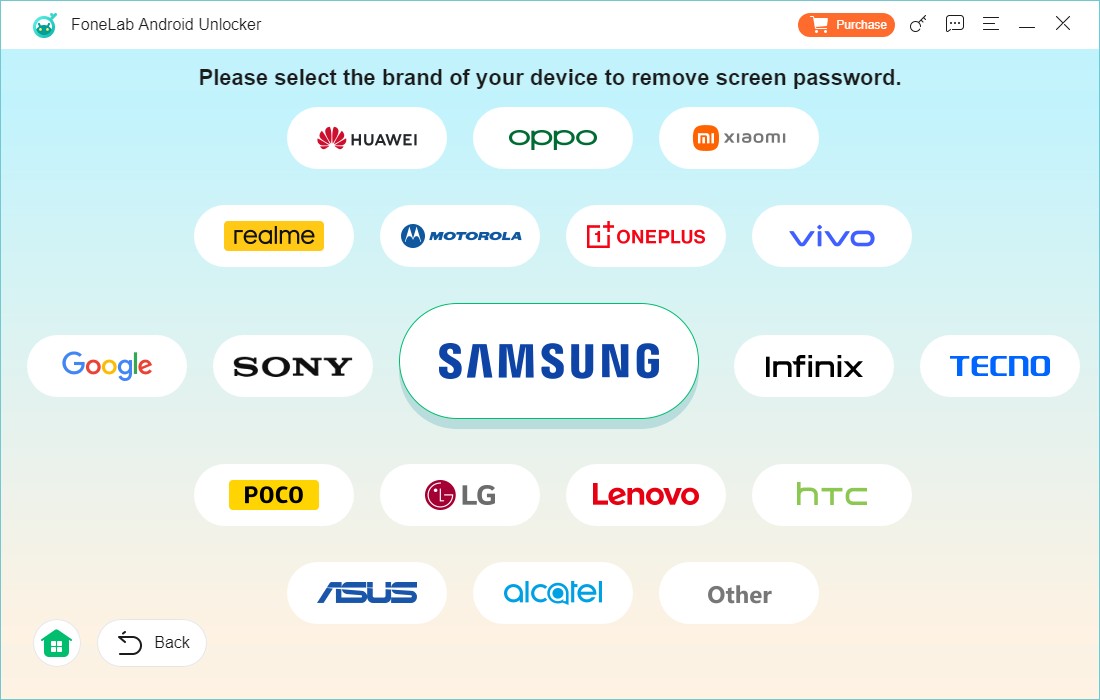
Choose your desired brand of your Android device to continue.
Step 3. Connect Your Android Phone to PC
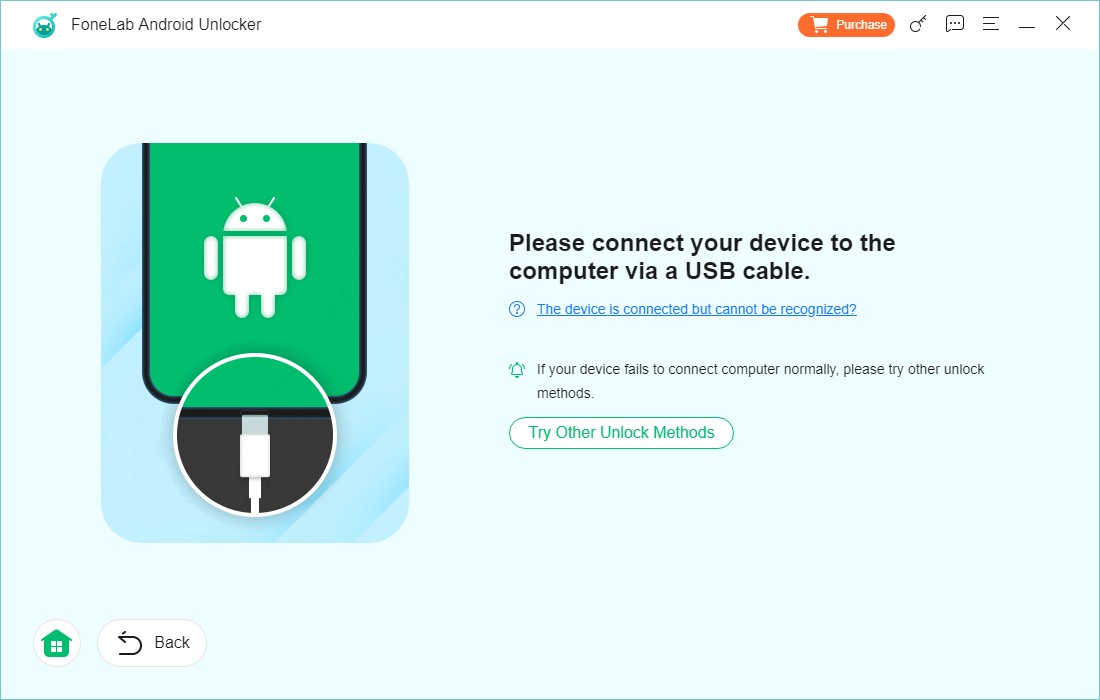
Use a USB cable to connect your locked Android device to the computer. The software will automatically recognize your device brand.
Step 4. Enter Recovery Mode
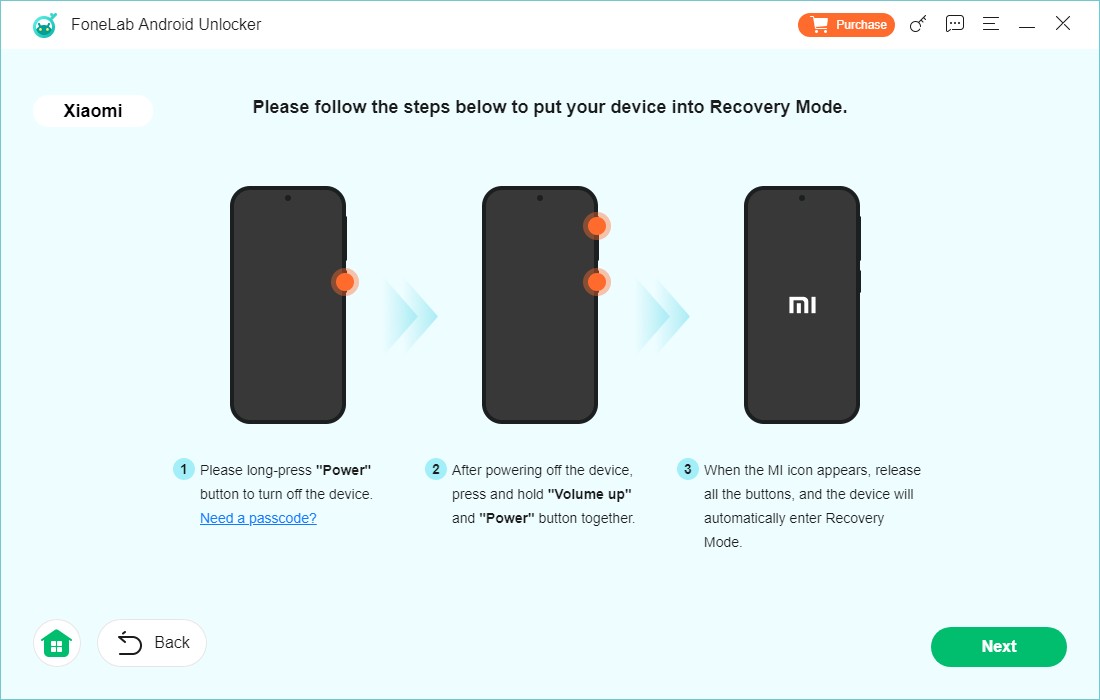
Follow the instructions to enter recovery mode on your device.
Step 5. Confirm Clear Settings and Caches
You will be asked to clear settings and caches from your device by following the on-screen steps.
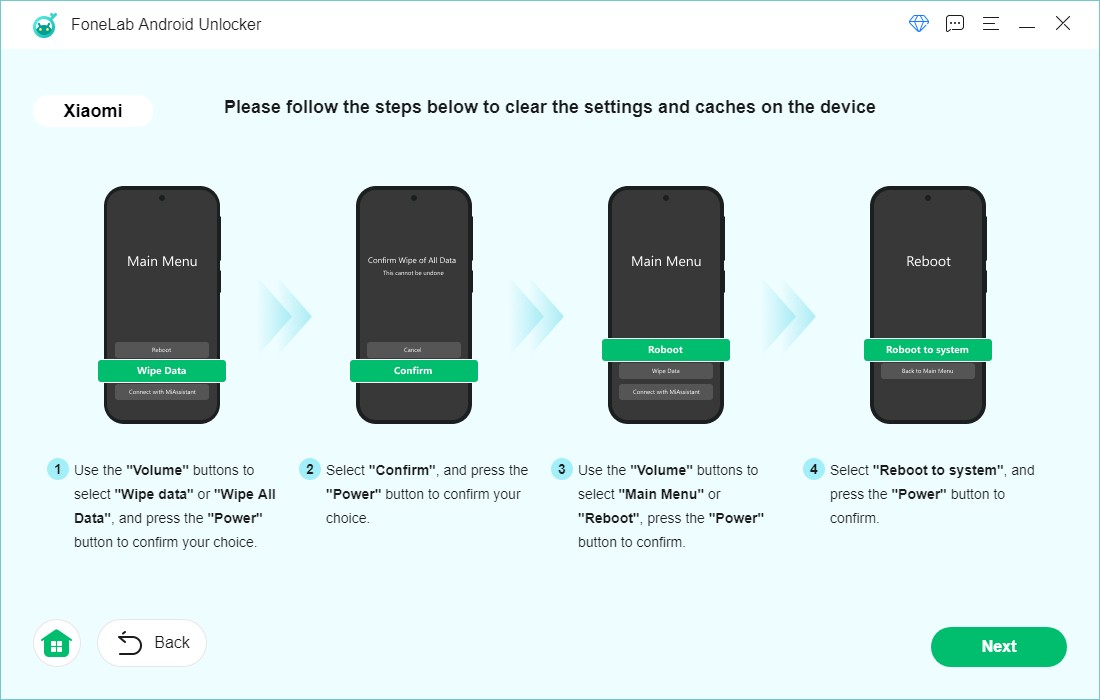
Step 6. Start Unlocking Android Phone
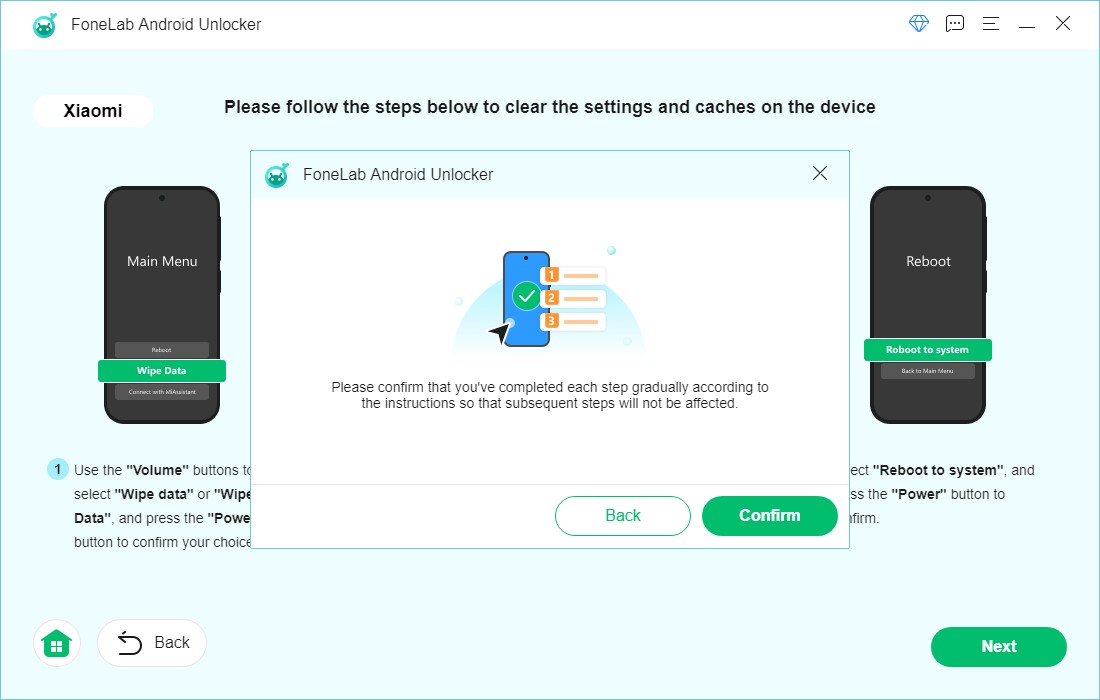
Confirm your device information and click "Remove Now". Wait for the process to complete—your device will be unlocked in minutes.
1. Will this software erase my data?
For early Samsung models (e.g., Galaxy S5, Note 3, S6), no data will be lost. For most other devices, screen lock removal may erase data—we recommend backing up files beforehand.
2. Which devices support FRP bypass?
Currently, all Samsung series are fully supported for FRP bypass. We’re actively developing compatibility for Xiaomi, Huawei, and other brands.
3. Does it support the latest Android 16?
Yes! Android Unlocker is fully compatible with Android 16 and all earlier versions. We update the software regularly to keep up with new OS releases.
4. How to activate the full version?
After purchasing a license, you’ll receive a registration code via email. Launch the software, click "Help" > "Register", and enter the code to activate unlimited unlocks.
5. Can I transfer my license to another computer?
Absolutely! Contact our support team with your order details and purchase email, and they’ll help you reactivate the license on a new device—100% free.
Download. Share. Enjoy Your Video Freely

Secure
All data exchange during the payment process is SSL-secured.

Support
24*7 email support to ensure the shopping and using of our product.

Money-Back
Get the free trial before your purchase. We offer 30-day money back guarantee.

Update
We offer lifetime updates & services for all DatasRecovery customers.
Copyright © 2025 DatasRecovery All rights reserved.
 iPhone Data Recovery
  iPhone Unlocker
  Android Data Recovery
  Broken Android Data Extraction
  Data Recovery (Windows/Mac)